Building TailwindCSS Components — Web3Templates

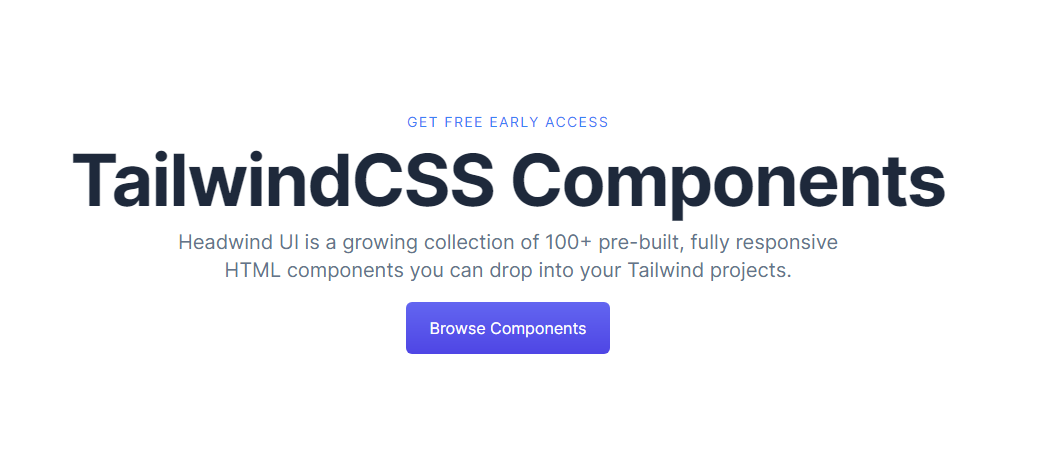
Web3Templates Components is an growing Library of Components built with TailwindCSS you can copy paste to your Tailwind Projects. Do whatever you want with it.
I had this idea for a while. But I procrastinated. When I saw the Vercel Hackathon, I couldn't resist myself. To I started working on it. Here is how!
Building the Base
I initially planned to do this with Eleventy, however I decided to start with Next.js instead. So the first thing was to setup Next.js & TailwindCSS. Luckily I have created a starter template called NEST Starter which supports both, So I used it as my starting point.
Setup Component Preview
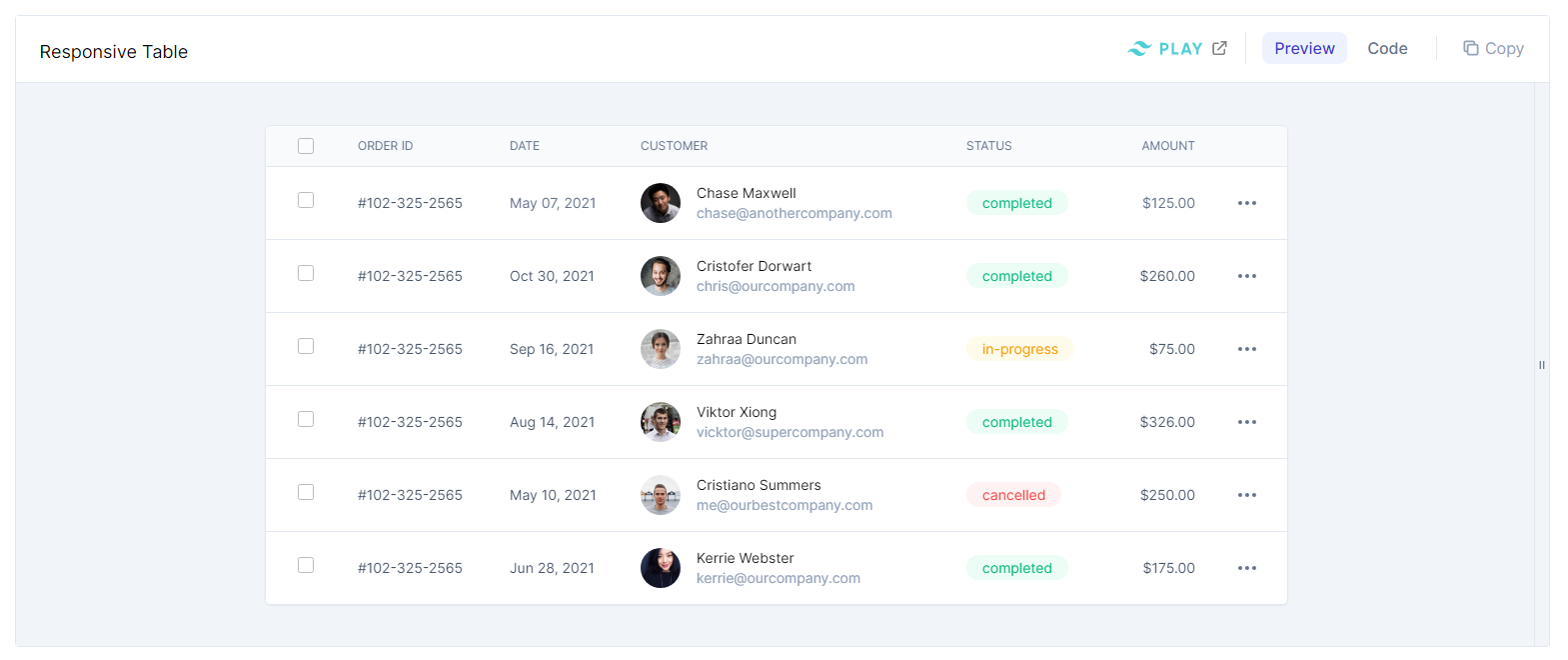
The next complex thing was to setup the component preview. It took more time as expected. I also added an option to preview responsiveness which had so problems I have to solve.
Component preview resizer
Since I have to show its responsiveness, I have added a resize handle on the right side. Now I wanted a plugin which helps me to resize the component. I have tried few plugins and those were too complex to implement. I finally settled on re-resizable
Responsive View of a Component
Just by resizing a container, the component inside will not show the responsive view because the screen size does not change. We have to resize the entire browser. That's how media query works now. This is one reason we should plea for Container Queries to W3C.
We can fix that problem by adding it inside an iframe. But here comes another problem, since the height of an iframe will change based on the content, the parent page cannot render it properly. Thus it have to be a fixed height. To solve that I used the react version of iframe-resizer
After some trial and errors, both worked as expected. Now the next phase is to actually make some components. For the initial launch I planned to create components which are much-needed among developers.
Creating Components
I have quickly created few components, but I couldn't do more for the hackathon as the deadline is reached.

Website Link & Source Code
Checkout: https://web3templates.com/
Source code: https://github.com/surjithctly/web3templates.com
Hosting
This is my favorite part. just push the code to github and the rest will take care by Vercel . I liked this service very much. Their only drawback is they don't let you connect Organization Accounts in the free plan. Since Github made organizations free, small founders are using it, but Vercel thinks its a big company and should pay 😀
Conclusion
That's it. I'll be adding more components to it each week. So stay tuned for something awesome.
About the author
Freelance Web & UX Designer from Incredible India. I design and develop creative websites, landing pages and applications for startups and e
Comments
Join the discussionNo comments yet. Be the first to comment.


